
Keep the same AI character across every scene.
Lock what must never drift (face, presentation, palette, signature detail) and let everything else change scene to scene.
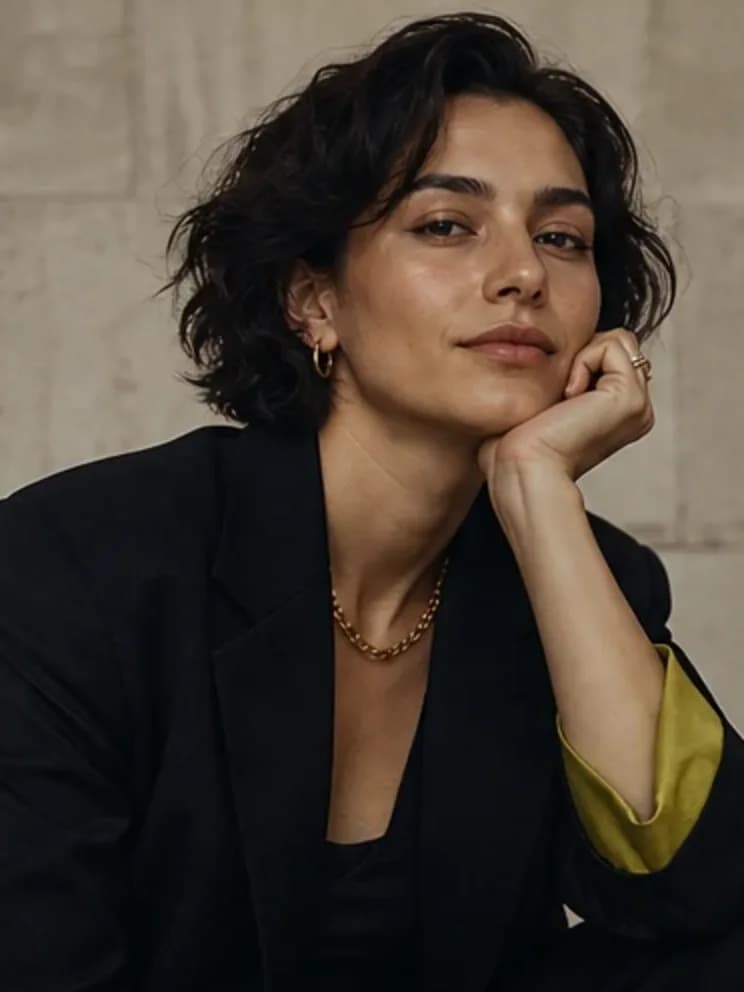
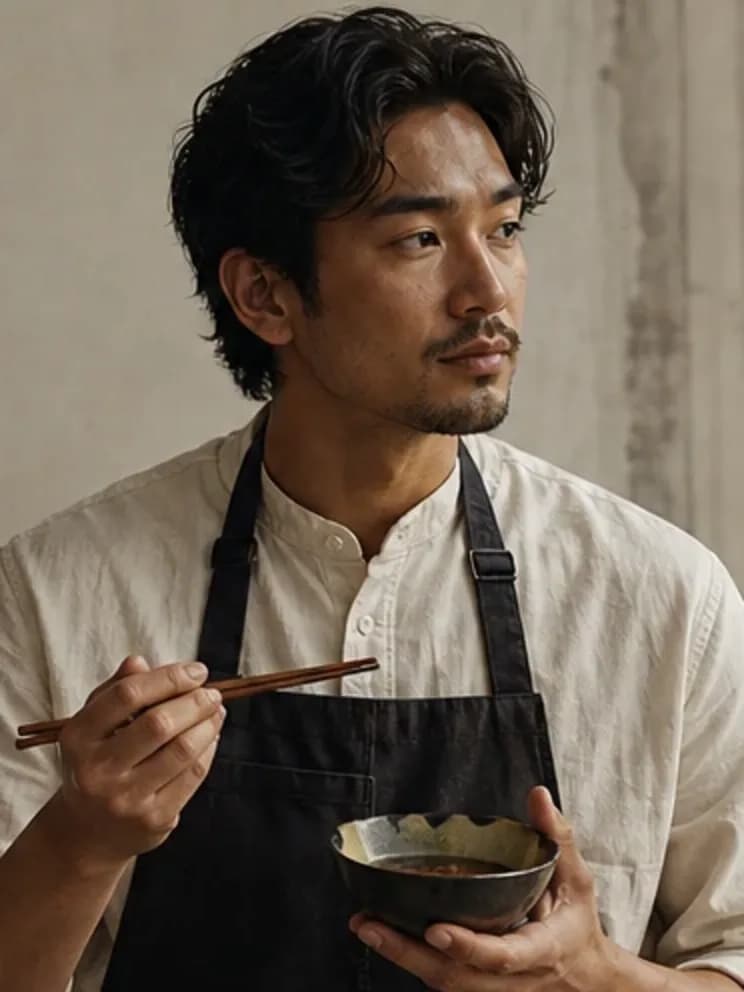
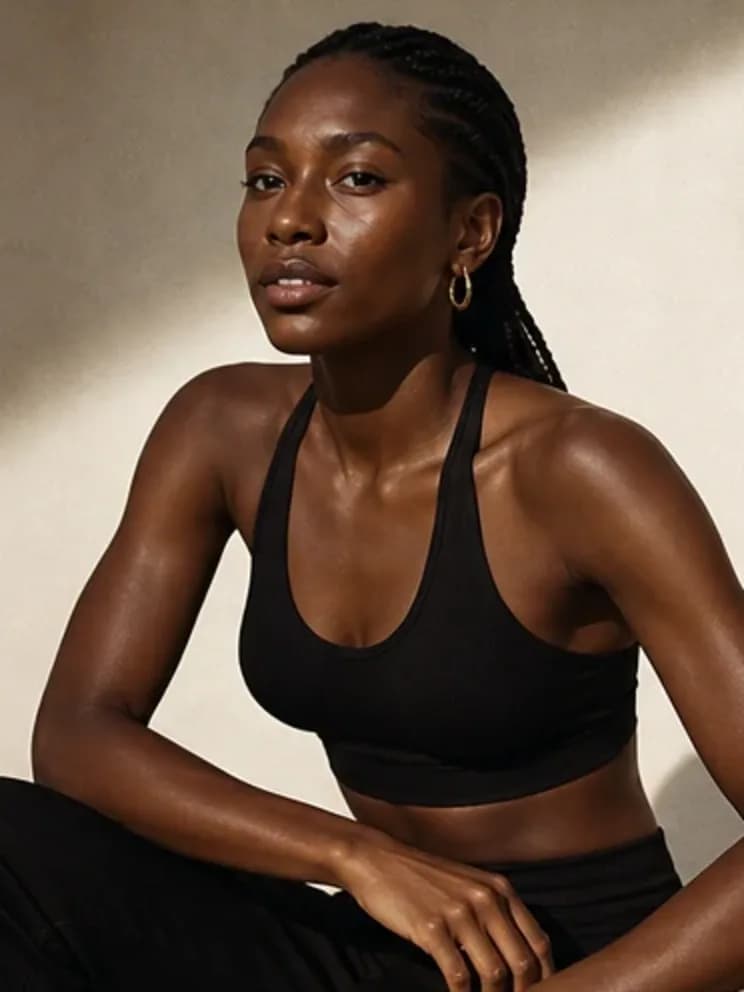

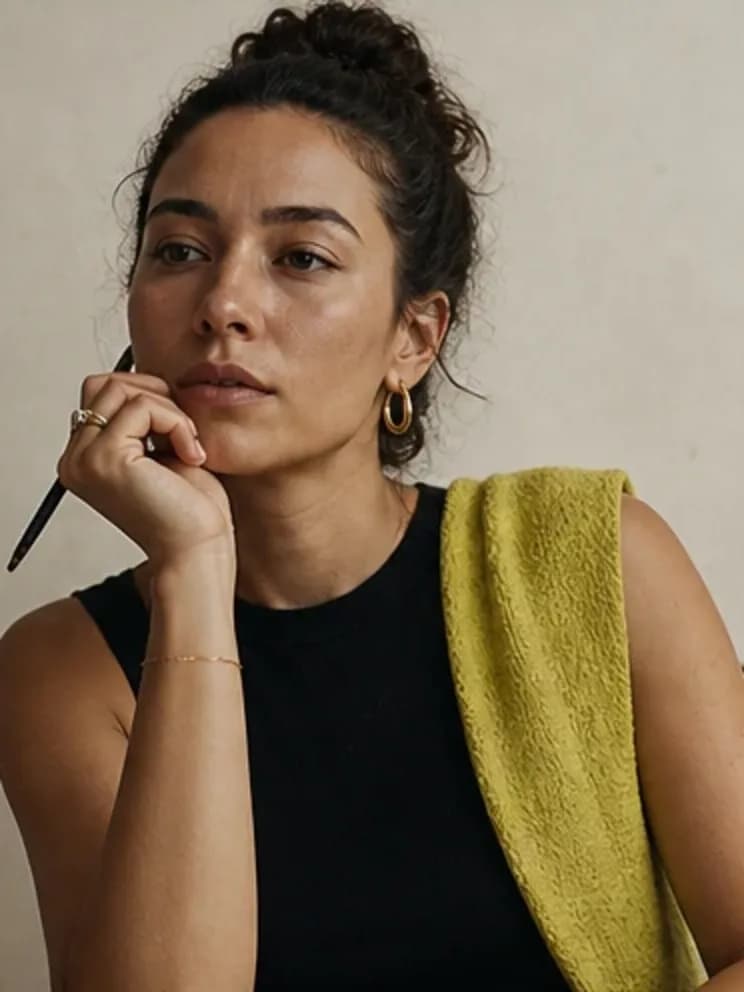

Build once. Direct the next scene.
Write the invariant
Name what must never drift: presentation, signature detail, palette, and visual direction.
Change one variable
Generate a new scene while leaving the identity prompt intact.
Compare the set
Review the contact sheet before you make a larger batch or add video.
A reusable person, not a disposable prompt.
Consistency starts with decisions, not a magic prompt. Store the character’s identity once, then vary the scene around it.
- One identity prompt per character
- Scene changes without re-briefing
- Small-batch review loop
- Portrait and social-friendly aspect ratios
- Portable export you can reuse anywhere
Frequently asked questions
How does consistent character AI work?
Influencer Creator carries a structured identity prompt into each photo request, combining character premise, visual direction, palette, and signature detail.
Will every image be identical?
No. Consistency means the same person and visual language while scenes, poses, and expressions change.
Can I animate a consistent character?
The identity is designed to be video-ready, but this release ships photo sets; video is a separate future workflow.
Related creator tools
Make the person. Then make the feed.
Start with the character, direct a small image set, and keep the identity portable.