Model guide / Z-Image Turbo
Z-Image Turbo for fast AI influencer images.
When you need to test a scene quickly, start with the fast model option and judge the character before you spend time on a larger batch.
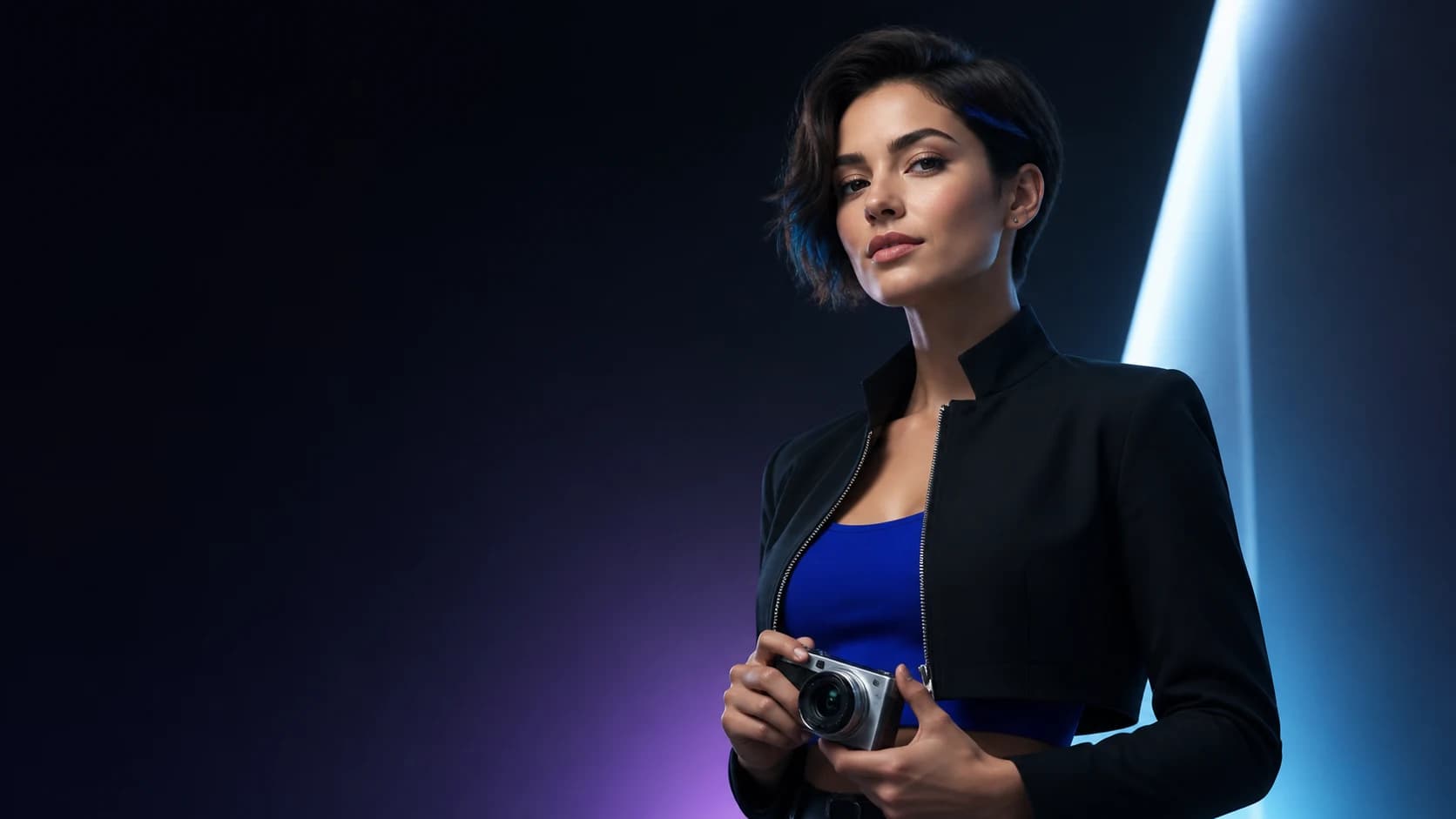 Concept imagery · not a live render
The focused workflow
A character sheet that actually survives the next prompt.
Use Z-Image Turbo as the fast image-set option for an original, consistent AI influencer character.
- Fast first-pass image sets
- SFW prompt defaults
- Portrait, square, and landscape outputs
- Works from the same character identity as the detail model
- Clear model label in the gallery
How it works
Three decisions. A reusable influencer.
- Lock the identity
Create the original character and carry the identity prompt into the request.
- Choose a social format
Portrait, square, or landscape depending on the channel and scene.
- Review a small batch
Generate two to four images and keep the visual language that reads as the same creator.
Consistency by default
Same person. Different scene.
Every image request starts from the identity prompt, signature detail, palette, and original-character guardrails. You can change the scene without losing the creator.
Learn about consistent character AI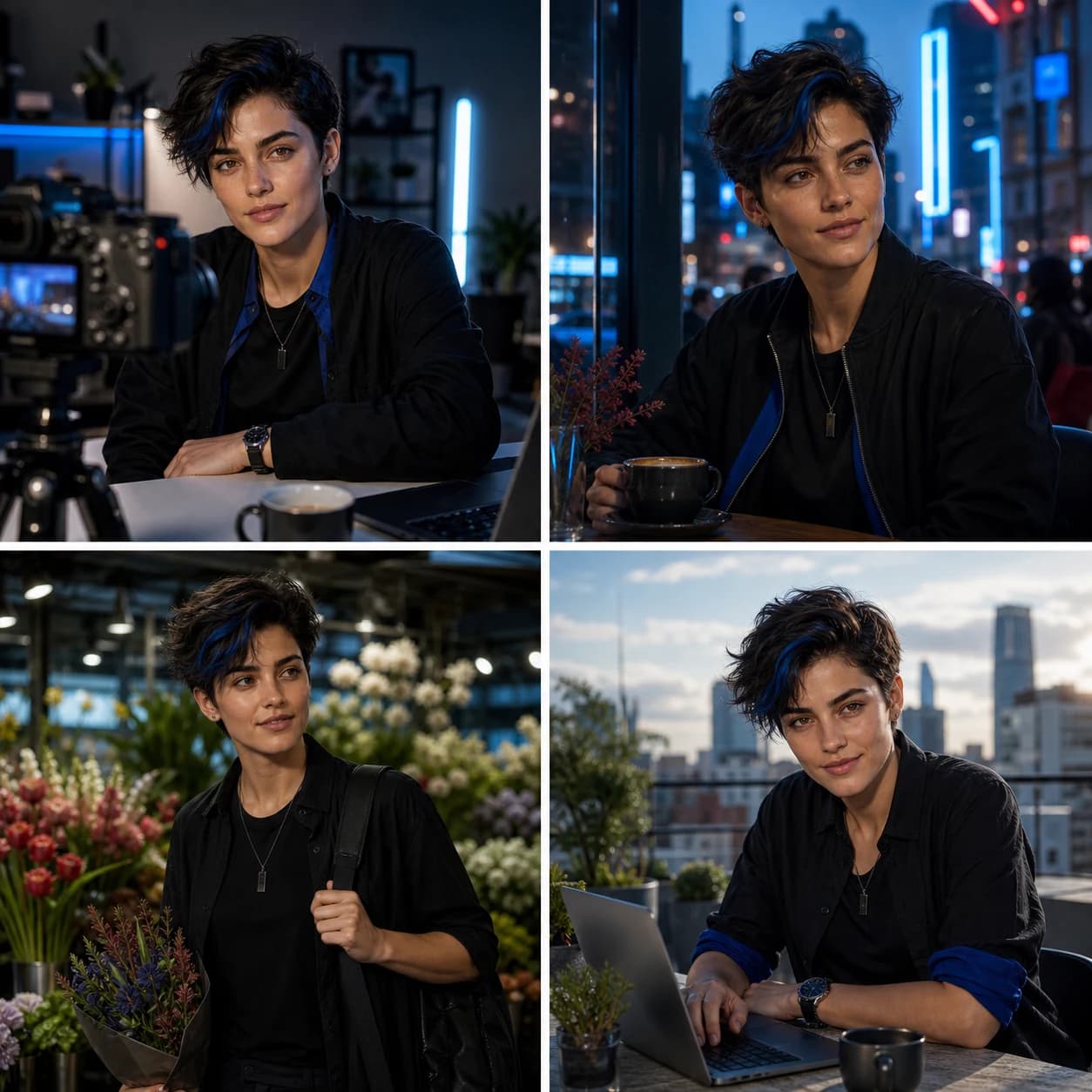 Illustrative example
Fast iteration
Prototype the scene before you scale it.
- Small image batches keep consistency reviewable.
- The model label stays visible in your gallery.
- Open the studio
Questions
No hidden product story.
What is Z-Image Turbo?
Z-Image Turbo is the fast model option exposed by the studio for quick text-to-image iteration. Actual availability depends on the configured private inference service.
Is Z-Image Turbo always live?
No. The local preview can run in honest demo mode. Production availability is controlled server-side and is never implied by a model selector alone.
Should I use it for every final image?
Use it for fast scene exploration, then compare the result with the detail-oriented option when the character and composition are working.
Original characters only
Make your influencer in one focused session.
Start with the character. Generate a small image set. Keep the identity portable.